
 Sign in with Google
Bookmarking
Bookmarking in Regulatory Publishing
Bookmarking is a mandatory technical requirement in electronic Common Technical Document submissions and represents one of the most visible indicators of publishing quality. In regulatory publishing, bookmarking refers to the creation of a structured navigation panel within a PDF that reflects the logical hierarchy of the document. Regulatory reviewers from agencies such as the US FDA, EMA, and CDSCO rely heavily on bookmarks to navigate large dossiers efficiently. Poor bookmarking does not usually result in immediate rejection, but it creates validation warnings, reviewer frustration, and negative regulatory perception.
In an industry setting, bookmarking is performed after finalization of the content but before importing the PDF into the publishing software. It is considered part of document optimization and technical quality control.
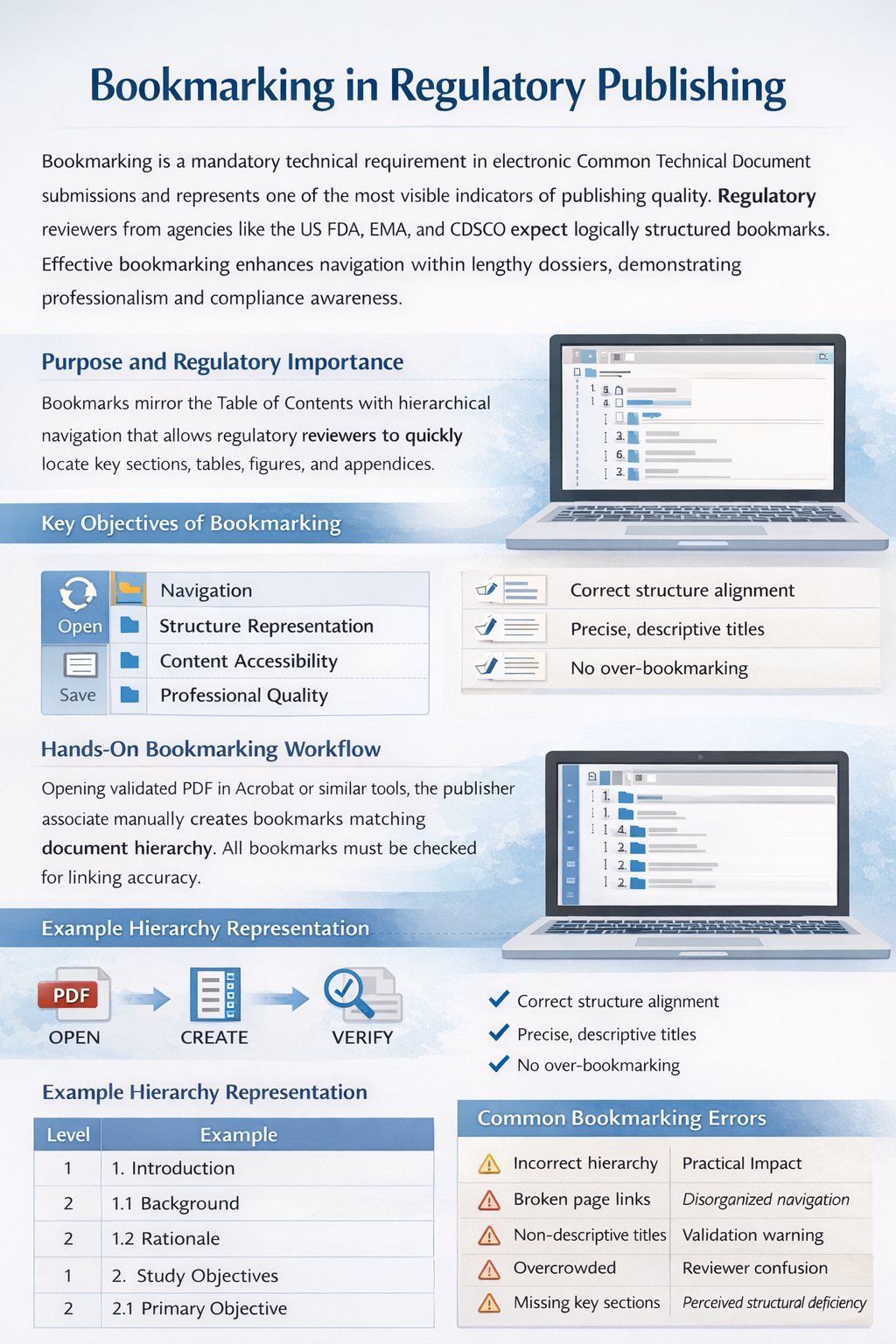
Purpose and Regulatory Importance
The primary objective of bookmarking is to mirror the document’s Table of Contents in a dynamic, clickable navigation structure. In lengthy documents such as Clinical Study Reports, stability reports, validation reports, or toxicology studies, bookmarks enable regulators to move directly to sections of interest without scrolling manually.
Well-structured bookmarks demonstrate professionalism, compliance awareness, and reviewer-centric thinking. Since submissions can exceed several thousand pages, clear navigation materially improves review timelines.
Core Bookmarking Principles
Bookmarking must follow hierarchical structure based on heading levels. Each major section is assigned a parent bookmark, and subsections are nested appropriately. Bookmarks must be descriptive, structured, and aligned with document numbering.
For example, in a Clinical Study Report, the bookmark panel should reflect a structure such as Introduction, Study Objectives, Study Design, Statistical Methods, Efficacy Results, Safety Results, Discussion, and Appendices. Each of these Level 1 headings may contain multiple Level 2 or Level 3 subsections properly nested beneath them.
Over-bookmarking is discouraged. Not every paragraph, table, or sentence requires a bookmark. The objective is usability, not excessive detailing.
Hands-On Bookmarking Workflow
In practical regulatory publishing operations, bookmarking typically follows a defined sequence:
First, the final approved PDF is opened in a validated PDF editing tool such as Adobe Acrobat Pro. The publishing associate reviews the document structure carefully, confirming that headings are properly formatted and consistently numbered.
Second, bookmarks are created manually or semi-automatically. Major headings are inserted as top-level bookmarks. Subheadings are added beneath the parent headings using correct indentation.
Third, each bookmark is verified to ensure it links to the correct page. Incorrect linking is one of the most common technical mistakes.
Fourth, formatting consistency is checked. Fonts, capitalization style, and numbering pattern must remain uniform throughout the document.
Once finalized, the bookmarked PDF is saved and then imported into the publishing software for CTD mapping.
Example Hierarchy Representation
| Level | Example |
|---|---|
| Level 1 | 1. Introduction |
| Level 2 | 1.1 Background |
| Level 2 | 1.2 Rationale |
| Level 1 | 2. Study Objectives |
| Level 2 | 2.1 Primary Objective |
This hierarchical nesting ensures logical representation of document structure.
Module-Specific Considerations
Bookmarking requirements vary by CTD module. Module 2 summaries require clean, concise bookmarks reflecting sections of the overview. Module 3 quality sections must strictly follow CTD numbering such as 3.2.S.1, 3.2.S.2, and 3.2.P.3. Inconsistent numbering between headings and bookmarks may generate reviewer confusion.
Clinical documents under Module 5 require detailed structural bookmarks because they are often large. However, even in detailed clinical reports, unnecessary bookmarking of each individual data table should be avoided unless specifically required.
Common Bookmarking Errors
While bookmarking appears straightforward, several recurring mistakes occur in industry practice.
| Error | Practical Impact |
|---|---|
| Incorrect hierarchy | Disorganized navigation |
| Broken page links | Validation warning |
| Non-descriptive titles | Reviewer confusion |
| Overcrowded bookmarks | Reduced usability |
| Missing key sections | Perceived structural deficiency |
For example, labeling bookmarks as “Section A” instead of “4.2 Statistical Methods” reduces clarity and professionalism.
Quality Control Before Submission
Before final publishing, bookmarking must be reviewed as part of technical QC. The reviewer checks alignment with the Table of Contents, confirms logical hierarchy, verifies page linkage, and ensures consistency of formatting.
Publishing teams often use internal QC checklists to ensure that bookmarking complies with regional eCTD guidance. Even when validation software does not flag structural bookmark issues, regulatory best practice requires thorough manual review.
Professional and Career Perspective
During interviews for Regulatory Publishing or Regulatory Operations roles, candidates are often asked about bookmarking standards. Employers expect understanding of hierarchy levels, appropriate granularity, and the relationship between document structure and CTD module placement.
Bookmarking reflects attention to detail and regulatory discipline. It is not a cosmetic formatting task but an integral compliance component of electronic submission quality. Strong bookmarking skills demonstrate that a candidate understands reviewer experience, eCTD usability, and technical publishing accuracy.
In modern regulatory operations, bookmarking forms a foundational technical competency. Mastery of this skill strengthens submission quality, supports smoother regulatory review, and enhances professional credibility within global publishing teams.
