Sign in with Google
Installation of Power BI
Downloading and Installation of Power BI
In Power BI, you can create complex queries, models, and reports that display data using Power BI Desktop. By publishing to the Power BI service, you can also develop data models, generate reports, and share your work. Downloading Power BI Desktop is cost-free.
The Download procedure step by step:
step 1: Go to this link.
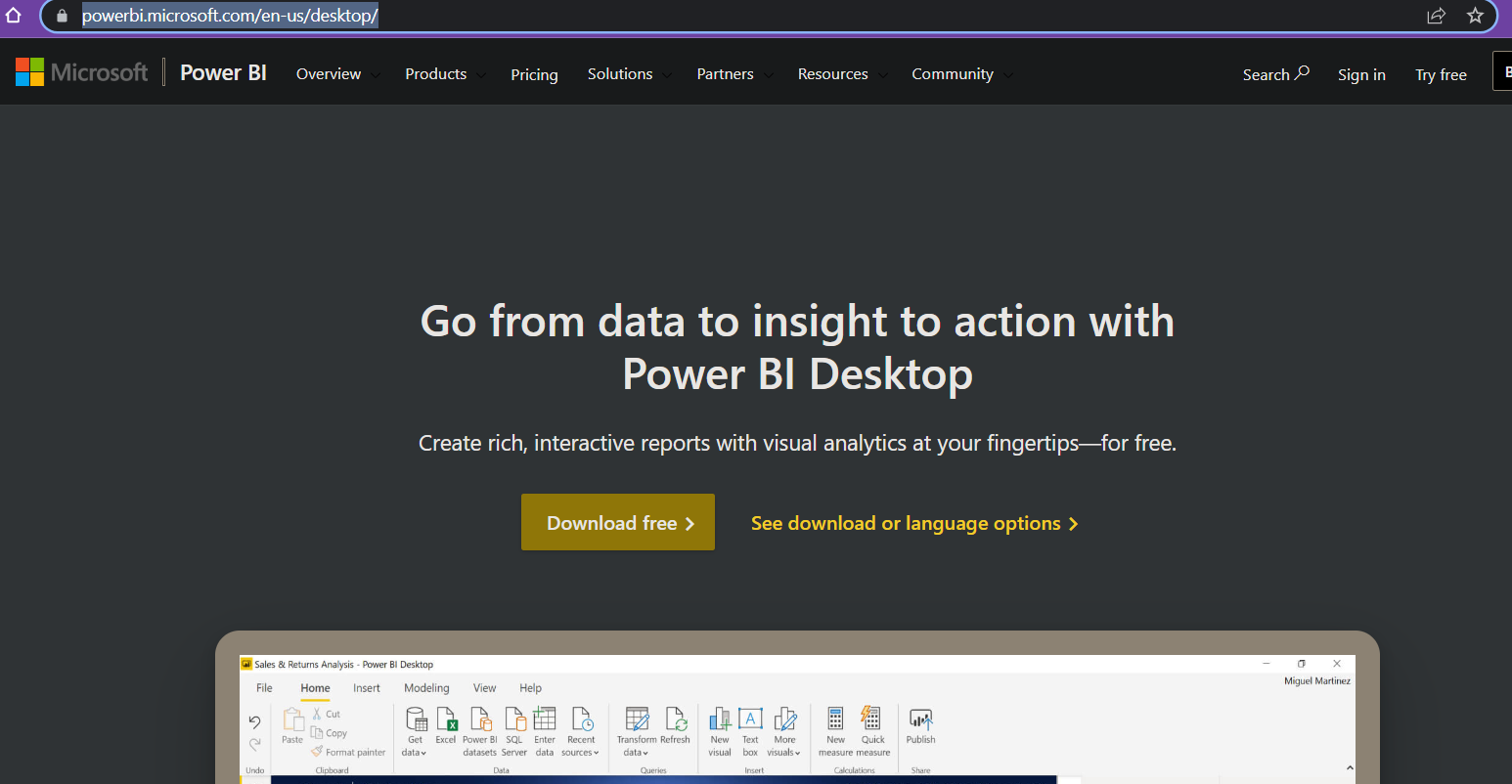
step 2: Then click on the Download Free button. Wait till it redirects you.
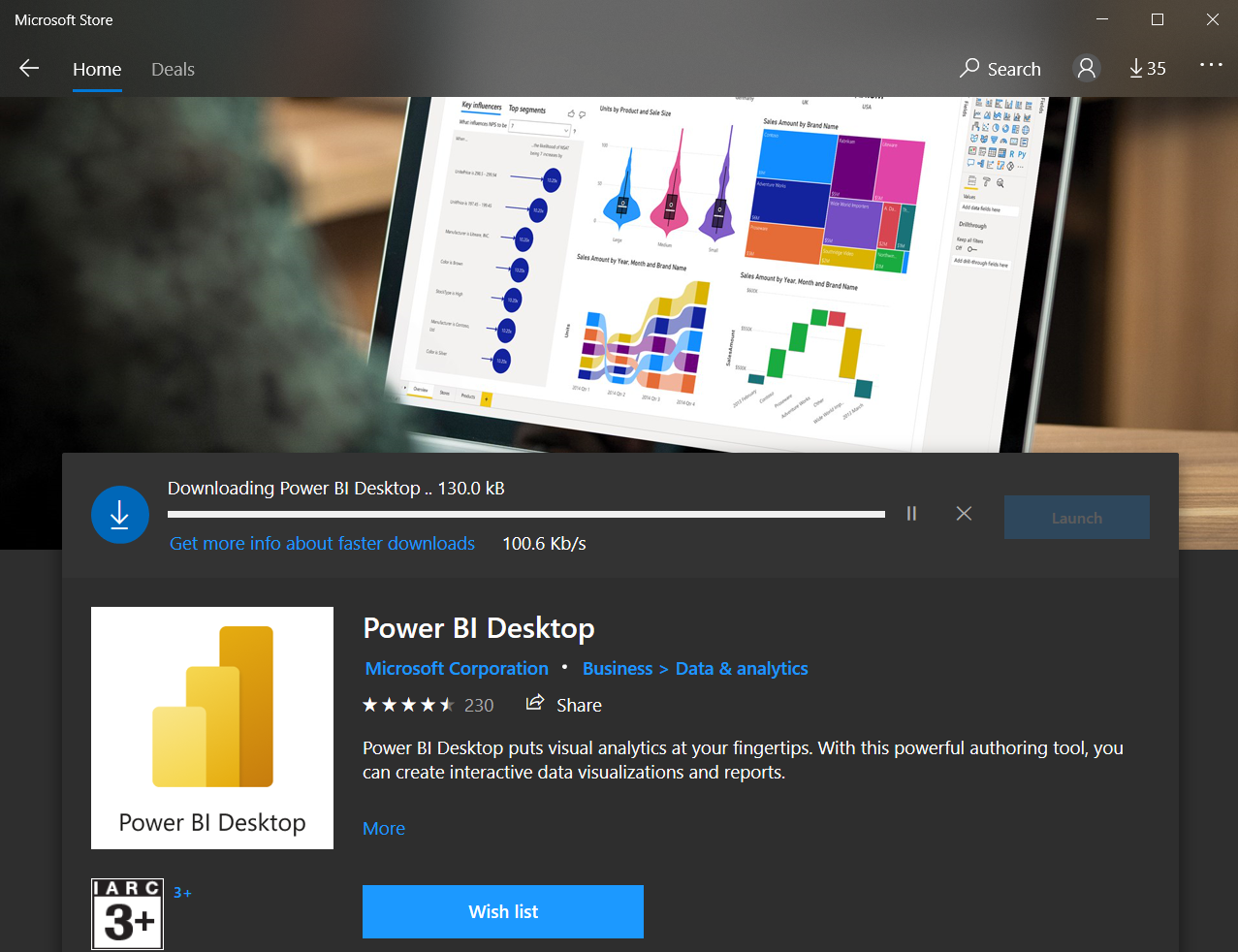
step 3: Now, you will be redirected to the Microsoft store.
step 4: After clicking on the Get button the Power BI Desktop will start downloading and installing.
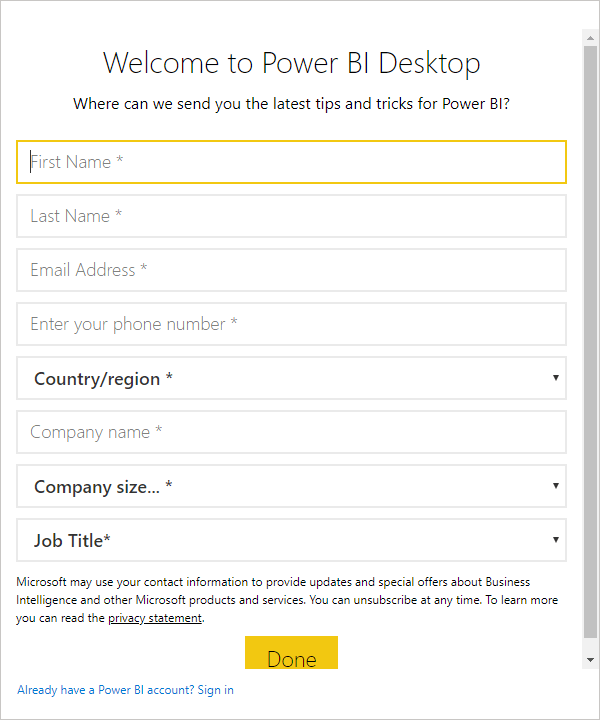
step 5: After the installation, the Power BI welcome to Desktop screen will open, there you need to register yourself.
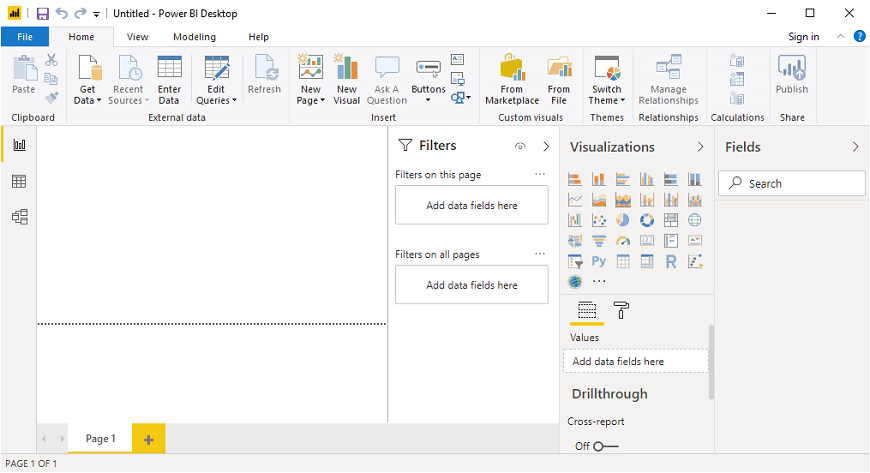
step 6: After registering yourself, you can run the Power BI Desktop and the home page looks like this: